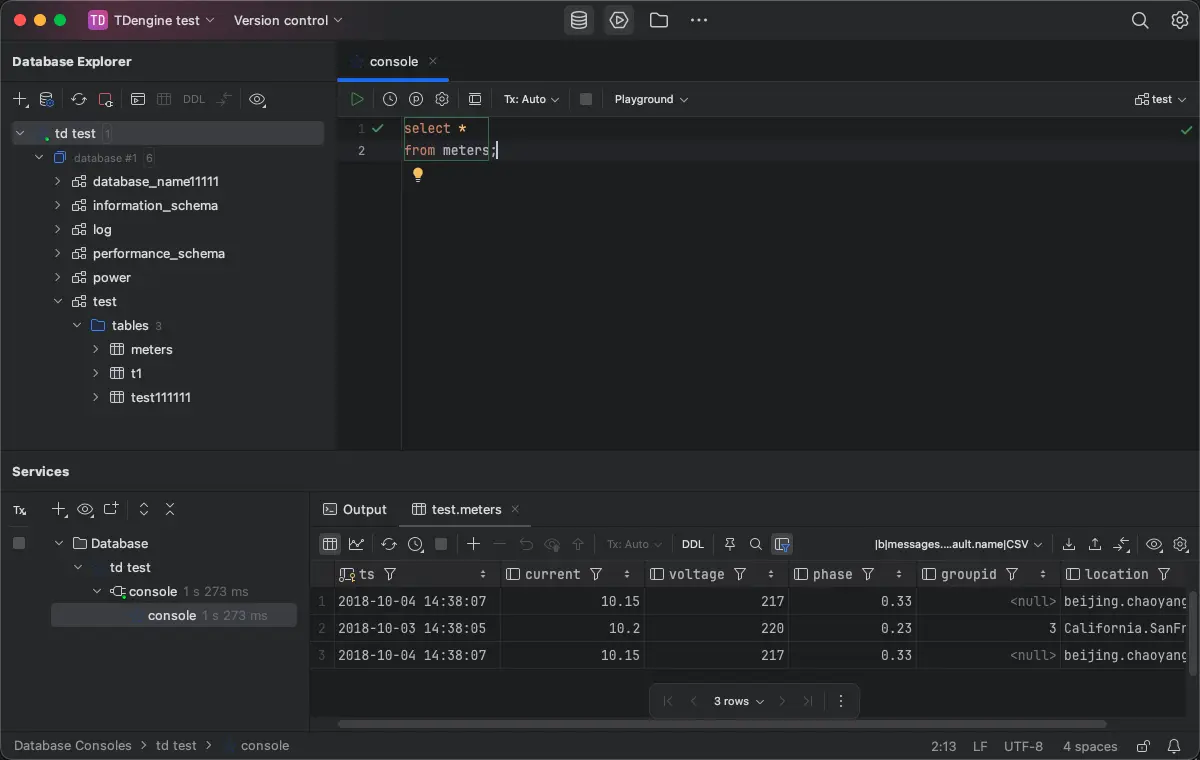
JetBrains
The TDengine Driver Integration plugin enhances JetBrains IDEs with TDengine data source setup, driver download, and SQL dialect support. It is compatible with JetBrains IDEs 2024.3 and later.
Prerequisites
- Install DataGrip or a JetBrains IDE/edition that includes Database Tools, version 2024.3 or later.
- Install the TDengine Driver Integration plugin.
Install the Plugin
- Open your JetBrains IDE.
- Go to
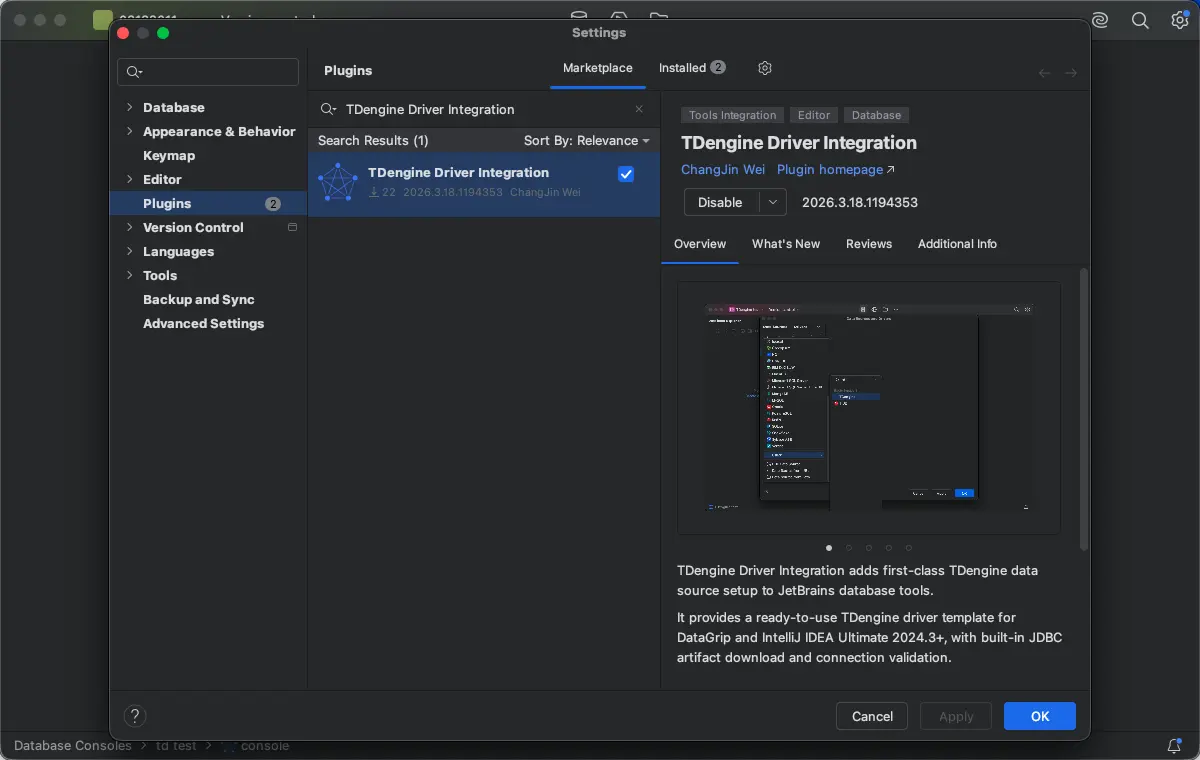
Settings->Plugins. - Search for
TDengine Driver Integration. - Install the plugin and restart the IDE.
Connect to TDengine
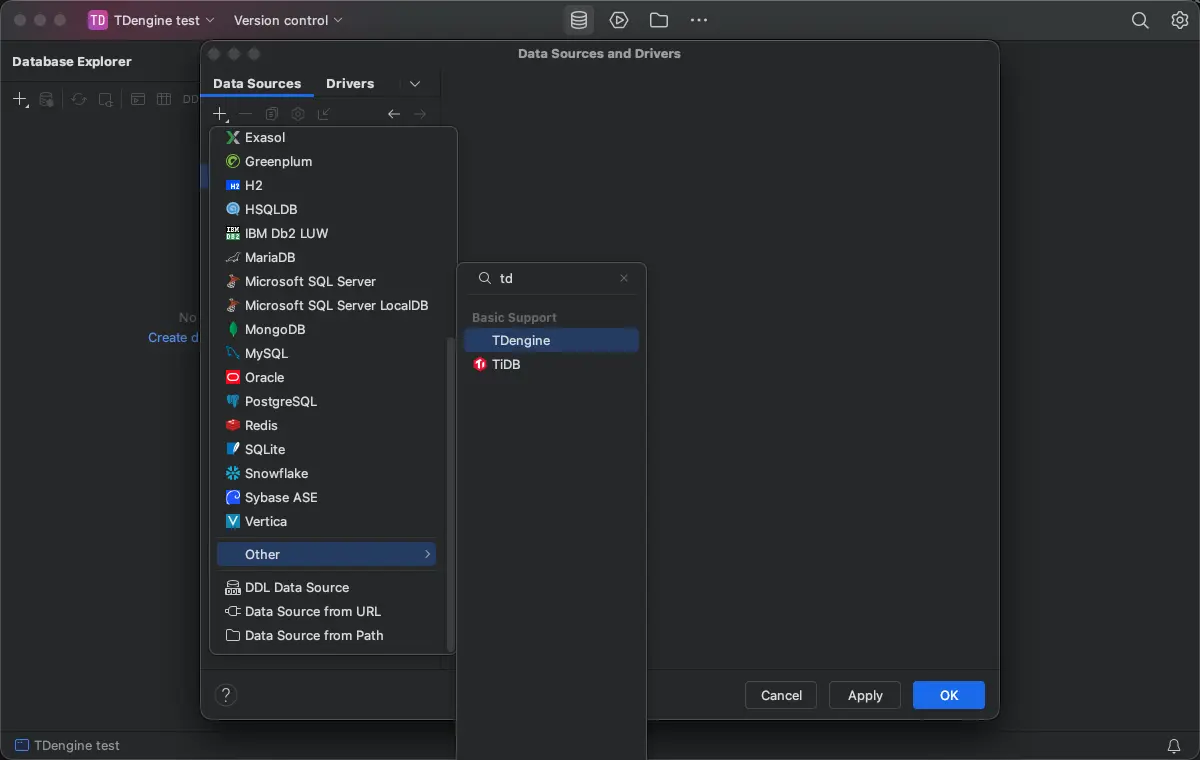
- In DataGrip or a supported JetBrains IDE/edition 2024.3 or later, open the
Databasetool window. - Click
+and chooseData Source. - Select
TDenginefrom the data source list. - Download the built-in TDengine JDBC Driver as needed.
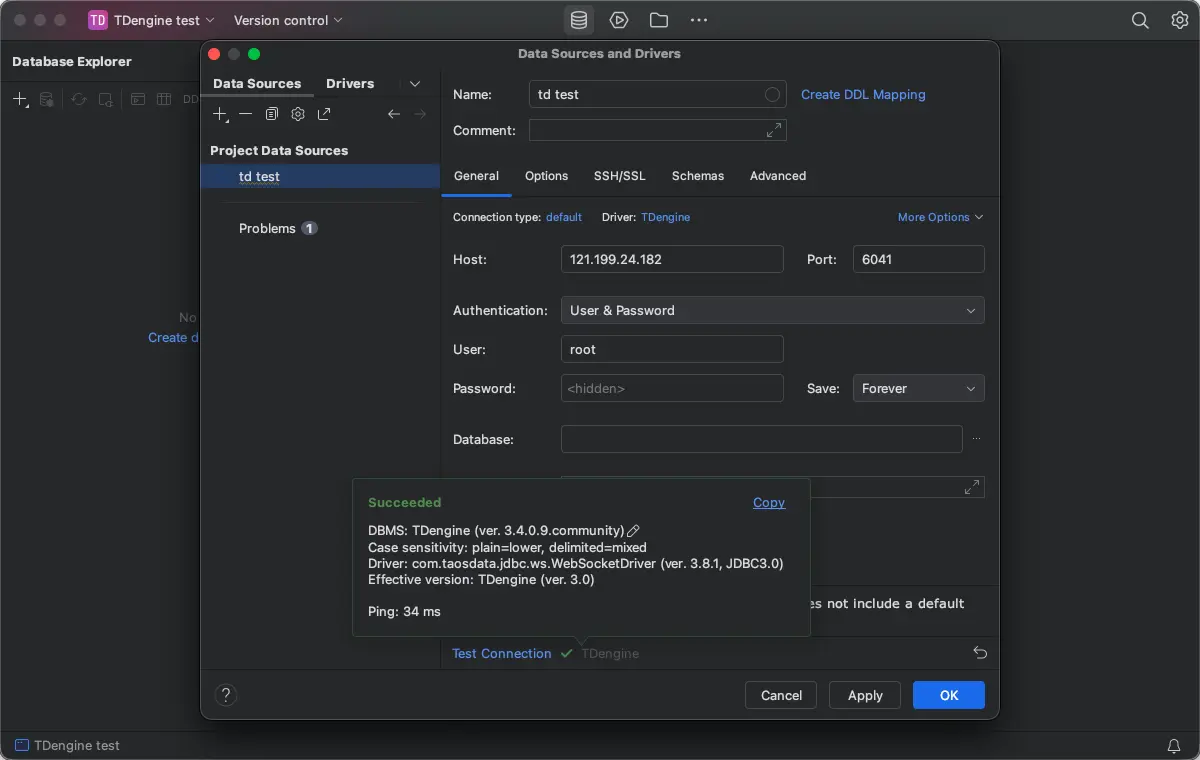
- Configure the connection parameters, such as the JDBC URL, username, password, and default database, and test the connection.
The plugin validates the following settings:
- JDBC Driver Class
- JDBC URL prefix
- Host
- Port
- Default database
SQL Development Support
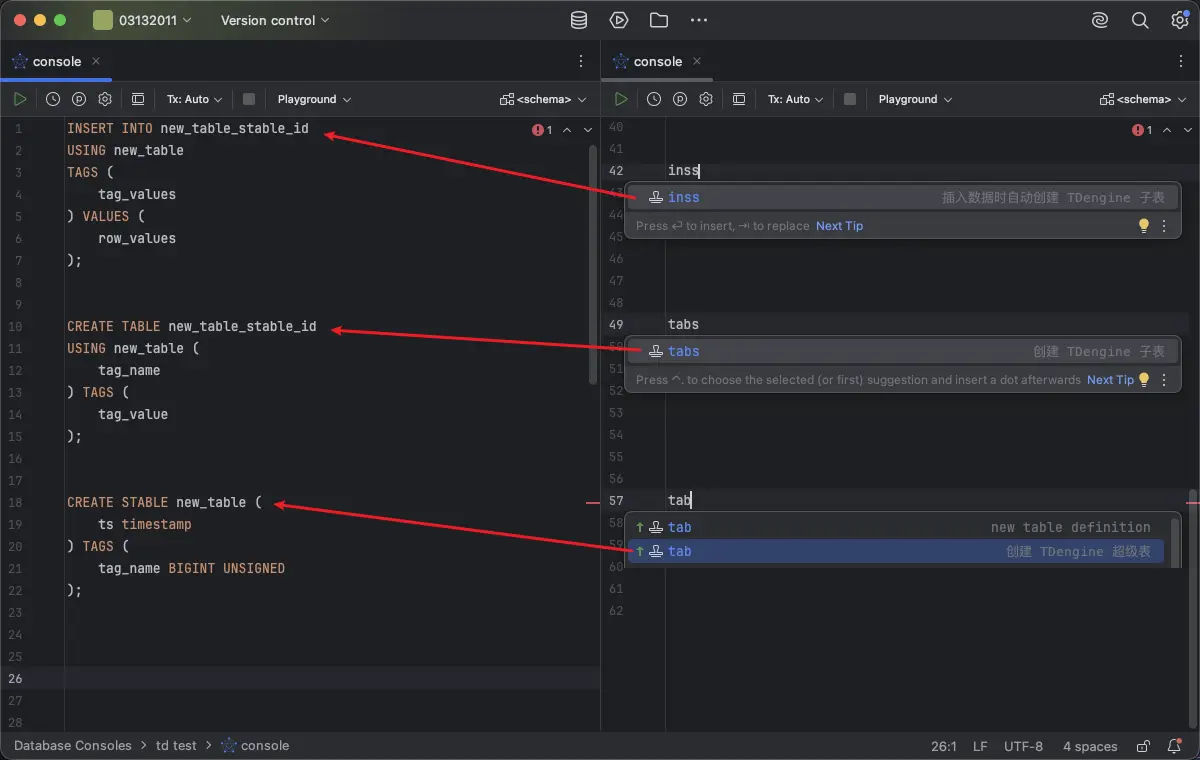
After installing the plugin, the TDengine SQL Console provides the following features:
- TDengine keyword completion
- TDengine function completion
- Function highlighting
- Function parameter info
- Function hover documentation
- Comments and basic syntax highlighting
SHOW CREATE DATABASE/SHOW CREATE TABLEdefinition view- Live Templates